3/10/20263 min read
How to Set Up Your Restaurant Menu in 5 Minutes
Step 1: Create Your Account
Sign up with email or Google. It takes 30 seconds — no credit card required.
Step 2: Complete Onboarding
Enter your restaurant name, cuisine type, address, and phone number. Choose your menu's default language and currency.
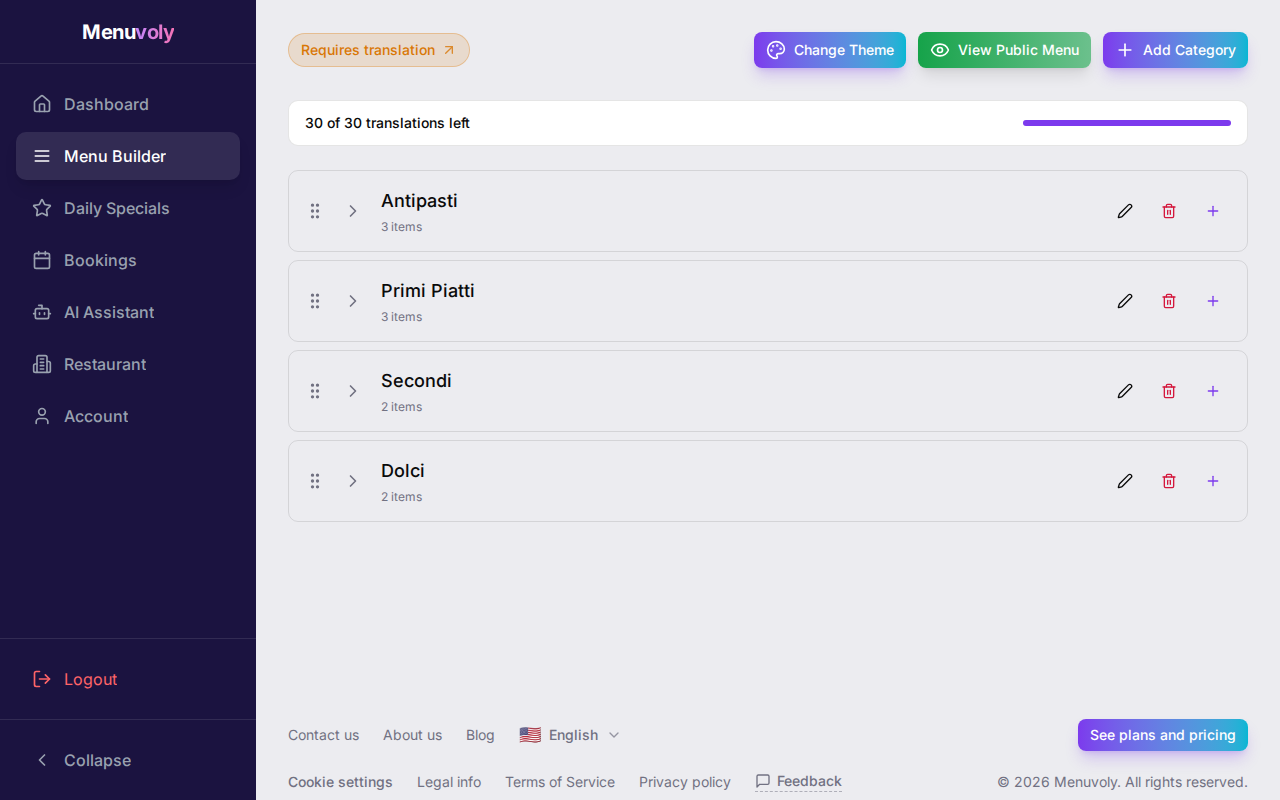
Step 3: Build Your Menu
Add categories (Appetizers, Mains, Desserts) and menu items with names, descriptions, and prices. Upload photos if you have them — they make a big difference.
Step 4: Choose a Theme
Pick from multiple menu themes and color schemes. Preview how your menu will look to customers in real-time.
Step 5: Share Your Menu
Your menu is live at menuvoly.com/r/your-restaurant. Print QR codes for table tents, or share the link directly on social media.
Ready to digitize your menu?
Join thousands of restaurants using Menuvoly to create beautiful digital menus.
Get Started Free